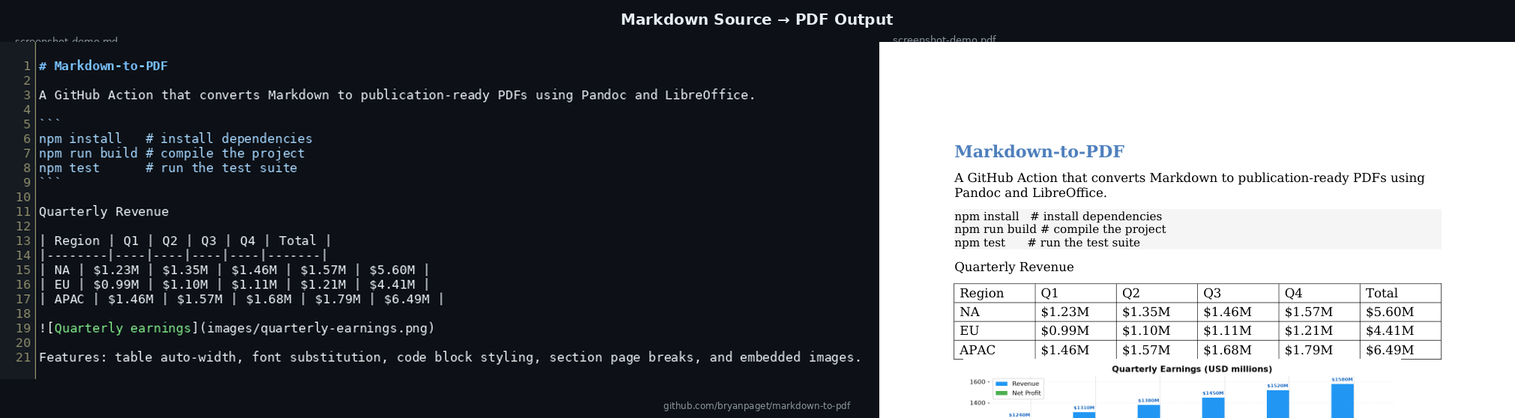
A GitHub Action that converts Markdown or Word documents into polished PDFs while preserving layout, fonts, and template styling.
What this action does out of the box.
Feed it a .md file; it converts to Word then PDF automatically.
Already have a .docx file? Pass it directly — no markdown step needed.
Tables automatically resize to fit the page with clean, visible borders.
Fonts render correctly — including Calibri replacement and Microsoft core fonts.
Images referenced in markdown are embedded in the DOCX and rendered in the PDF.
Everything is auto-installed — no setup required. Just point it at your file and run.
Opt into page_breaks: sections and each H1 heading starts a new page — perfect for reports.
Switch between the default Calibri/Carlito and Arial via font: arial. Code blocks render in Inconsolata.
Enable code_block_style: true for a light background and smaller font on code blocks.
Pre-built PDFs are available for download on the releases page, generated from the sample document — a real-world example with tables, code blocks, charts, and extensive formatting. Each major section starts on a new page for a book-style layout.
| File | Source | Download |
|---|---|---|
complex-document-source.md |
Markdown | Download |
complex-document.docx |
DOCX | Download |
complex-document-from-docx.pdf |
DOCX → PDF | Download |
complex-document-from-markdown.pdf |
Markdown → PDF | Download |
PDF previews — rendered from the sample document:
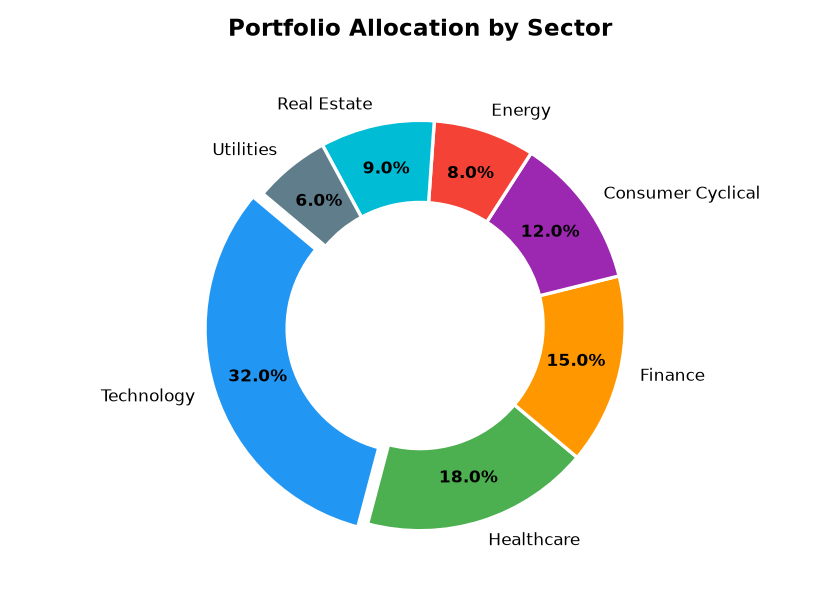
Markdown → PDF
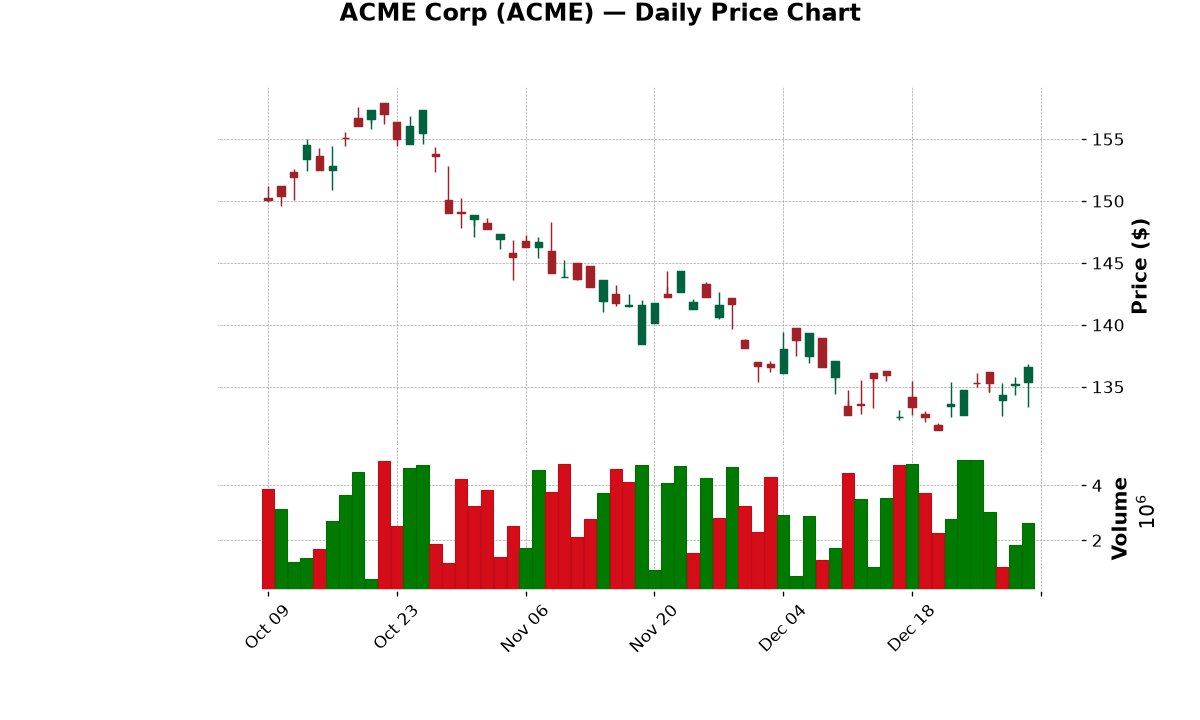
DOCX → PDF
Add a step to your GitHub Actions workflow.
workflow.yml- name: Convert Markdown to PDF
uses: bryanpaget/markdown-to-pdf@main
with:
markdown_file: "docs/readme.md"
pdf_file: "output/readme.pdf"
workflow.yml- name: Convert Word to PDF
uses: bryanpaget/markdown-to-pdf@main
with:
docx_file: "output/document.docx"
pdf_file: "output/document.pdf"
workflow.yml- name: Convert Markdown to PDF
uses: bryanpaget/markdown-to-pdf@main
with:
markdown_file: "docs/report.md"
pdf_file: "output/report.pdf"
code_block_style: "true"
page_breaks: "sections"
font: "arial"
| Input | Required | Description |
|---|---|---|
docx_file | no | Path to the source Word document (.docx/.doc) |
markdown_file | no | Path to a Markdown file (auto-converted to .docx first) |
pdf_file | yes | Path where the resulting PDF should be written |
code_block_style | no | When true, code blocks get a light background and smaller font |
page_breaks | no | When sections, each H1 heading starts on a new page |
font | no | When arial, switches the document font to Arial |
Provide either docx_file or markdown_file — not both.
| Output | Description |
|---|---|
pdf_file | Resolved path to the generated PDF |